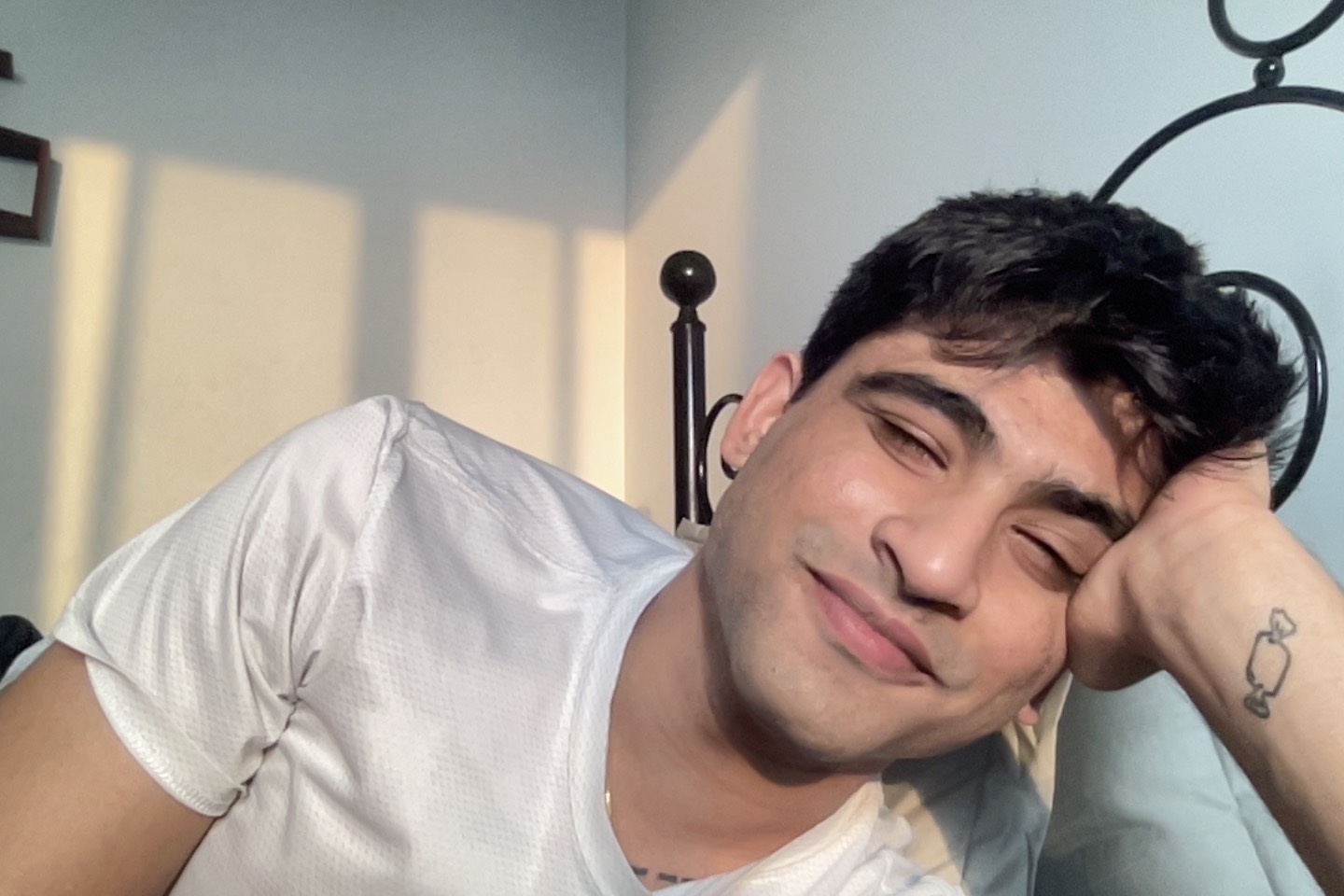
I help organisations make their most complex workflows feel simple.
I am Adyanth Natarajan, an Experience Designer with 4+ years of shipping complex digital products across enterprise, government, mobile, and AI platforms. I work at the intersection of structured systems thinking and human-centred design , building products that make hard things feel easy for the people who depend on them.
Currently Lead Designer at XLEY.AI, based in Delhi NCR.
Experience
UX Designer
XLEY.AILeading design across the XLEY.AI and MADInfluence ecosystem , enterprise dashboards, mobile applications, government platforms, and internal systems.
UX Designer
XR Central Pvt. Ltd.Delivered UX across AI, enterprise, government, and immersive technology projects. 95% client satisfaction across 10+ projects.
User Experience Designer
QGLUE Strategic Design and Innovation InternshipContributed to strategic design and innovation engagements across enterprise clients. End-to-end design delivery spanning research synthesis, journey mapping, wireframing, and stakeholder presentation.
UI/UX Design Intern
Haqdarshak InternshipDesigned user flows, journey maps, wireframes and prototypes for an Android application helping make government schemes accessible to rural communities.
Skills
Experience Design
Enterprise & Data
AI-Native Design
Process
How I work.
Click each tile to reveal.
Step 01
Understand the System
Before Figma opens, I ask who, what, when, where, how. User journey maps, sprint audits, design PRDs, sprint planning. The product has to make sense as a system before it makes sense as a screen.
Step 02
Map Mental Models
I talk to stakeholders and internal users to understand how they think, not just what they need. The output lives in Figma, usually a board with a supporting document that captures the gaps between how people think and how the product currently works.
Step 03
Make Decisions Explicit
Every design decision gets documented in the PRD with a reason. Not just what was decided, but why. Written for everyone, developers, stakeholders, and future me six months from now trying to remember why something was built a certain way.
Step 04
Prove Before Presenting
Depending on the timeline I shuttle between Replit and Figma. If a stakeholder needs to feel something working, I build it. If screens are enough to make the argument, I use those. The goal is to reduce the gap between what I am proposing and what they can experience.
Step 05
Think with AI
Claude is part of my process at every stage. Structuring problems, challenging assumptions, writing documentation, stress-testing decisions. Not a shortcut, a thinking partner. Claude Code handles the build when the work calls for it.
Step 06
Ship and Watch
Once something is live, the team feedback loop starts. I watch what surfaces, prioritise what matters, and iterate. Design does not stop at handoff.
Certifications
Currently open to full-time and freelance engagements.
Get in Touch →